Cron jobs through crontab
Your binary registers cron jobs. nibrun wakes the app when a job is due. No extra config.
View markdownnibrun now supports cron jobs through crontab. Your app can clean up expired sessions,
generate a report or run a daily task using the same binary you already deploy.
The schedule lives with your application. Register it during server startup using normal crontab syntax, and nibrun handles running the jobs. No extra config.
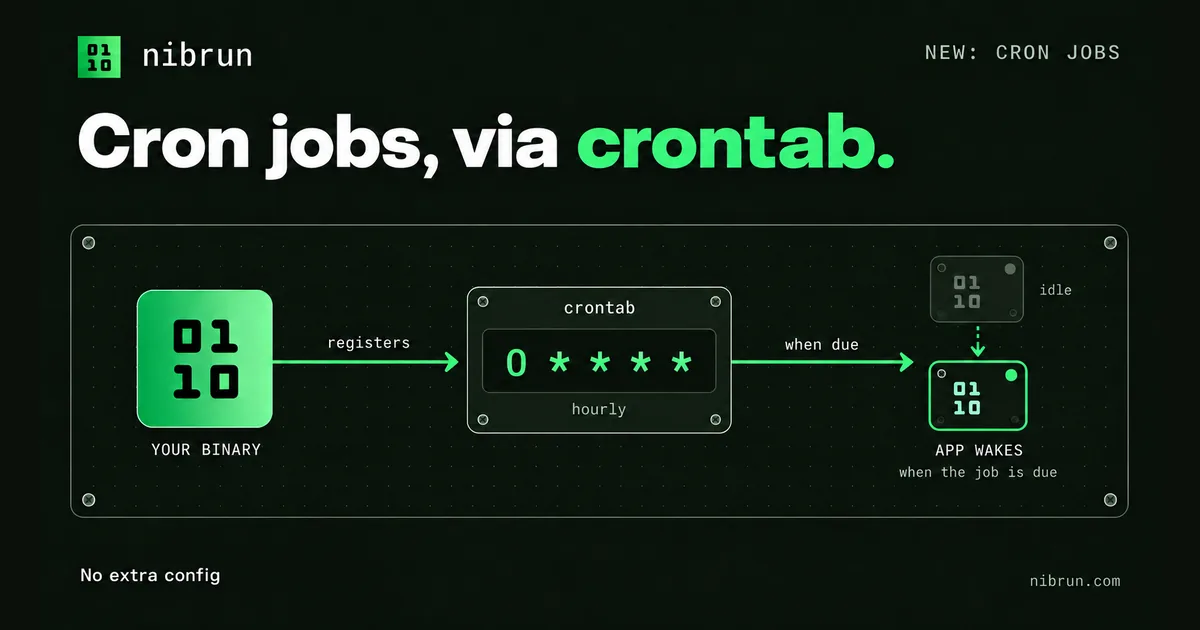
Registering a job
Suppose your binary has a cleanup subcommand. An hourly job can be registered with:
printf '%s\n' '0 * * * * /mnt/artifact/server cleanup' | crontab -
Have your app do the equivalent during its normal server startup: invoke crontab - and
write the table to its standard input. /mnt/artifact/server is the uploaded binary, and
cleanup is an example subcommand your app implements. That command should do its work and
exit, without starting the HTTP server or registering the jobs again.
The five fields are the usual minute, hour, day of month, month and day of week. This entry
runs at minute zero of every hour. Schedules use UTC, and nicknames such as @daily work too.
crontab -l reads the registered table, and crontab -r removes it. Installing a table replaces
the whole table, so register all your jobs together. Each new deployment starts with an empty
table; registering at startup keeps the schedule in step with the binary being deployed.
Waking the app when a job is due
An app on nibrun can go idle between requests. An in-process timer only works while the app is awake, so keeping the timer inside the app would make scheduled work depend on incoming traffic.
The crontab command forwards the schedule to nibrun's host. When a job is due, nibrun wakes
the app if it is idle, then runs the command in its microVM. The app can go idle again after
the work finishes.
Commands run from /app, inherit the deployment's environment variables and can read and write
data/. Their output goes to the app's logs. Your cleanup task uses the same persistent data
as your HTTP server.
Inspecting jobs and execution limits
Registered jobs and their next scheduled run are visible in the dashboard's Crons tab or through the CLI:
nib apps crons --app my-app
Each app can register up to 10 jobs. Expressions use five fields; seconds and @reboot are
not supported. Runs can overlap, missed runs are not replayed, and failed commands are not
automatically retried. Manually suspending an app disables execution while keeping its
registrations visible.
Your binary supplies the commands and the crontab. nibrun takes care of waking it and running the work when it is due.